I CT For


Check 'Em!


My Blinkies!

Peaches Blog Train!

My Avatars (DO NOT SNAG)


Monday, March 17, 2014
FTU Cluster Frame "Spring in the Garden" Jackie's Jewels


CT Tags & Snags "Spring in the Garden" Jackie's Jewels


Hey! I've joined an awesome new CT group! I CT now for Jackie's Jewels! Find all of her great kits HERE! I'm so excited, here's my first tags using her awesome "Spring in the Garden" kit. It's filled with beautiful spring/gardening elements. I've added awesome snags for you at the bottom of this post. I paired this kit with Verymany's "Dina" tube and Elias Chatzoudis's "FairyJasmine" tube. Both are wonderful matches! Here's a preview of the kit (purchase links are below the preview):

Purchase the kit HERE!! Here are some snags I made for you (make sure to click on the snag to save the fullsize version where my copyrights show clearly!):


Sunday, March 16, 2014
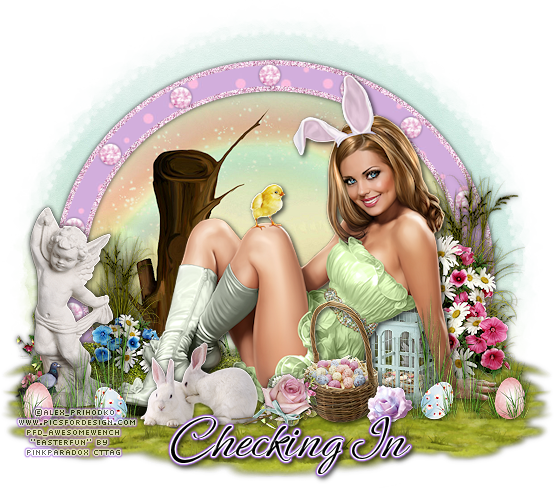
CT Tags & Snags "Easter Fun" PinkParadox Productions
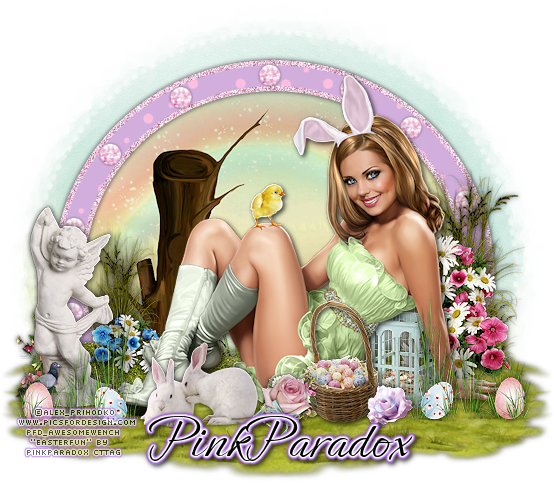
Awesome Easter kit from PinkParadox Productions!! Kit is called "Easter Fun" and it's packed full of fun & cute Easter elements. Perfect for all your egg hunting tags! Plus for the remainder of March this kit (all of her kits actually) are 30% off! I paired this beautiful kit with Alex_Prihodko's "Easter Girl" tube. This kit contains 100 elements, 10 frames & 20 papers:

Kit can be found HERE and tube used in the tag HERE. Below you will find some snags, make sure to click to save the full size so that my copyright shows unaltered:


Saturday, March 15, 2014
CT Tag Showoff "Fresh & Fruity" PinkParadox Productions

Good morning PSP community! I have a fantastic kit to show you today. It's called "Fresh & Fruity" and is by the fabulous PinkParadox Productions! This kit is bright, fresh & fun =) 170 elements, 18 frames & 35 papers full of fruity/summer/spring possibilities! It was made to match Verymany's "Tulips" tube but I have paired it with Ellie_Milk's "Mia" tube. I love this kit, it's so bright and cheerful. Head on over to PinkParadox's private store to pick this kit up while it's on sale (30% off for the month of March 2014!!)

Monday, March 10, 2014
CT Tags "Hint Of Spring" PinkParadox Productions

Hey guys! I have an awesome kit to show you today. It's called "Hint of Spring" & is by the fabulous PinkParadox Productions. It includes elements that portray all the beauty of nature at the beginning of spring. The color palette would also match an Autumn tag! The kit contains 120 elements, 10 frames & 25 papers and has so many endless options. This kit was designed to match "Jill" by Verymany but I paired it with Verymany's "Spring". Here's a preview of the kit:

Thursday, March 6, 2014
PTU Tutorial "Purple Lady" PinkParadox and CéliartPinup
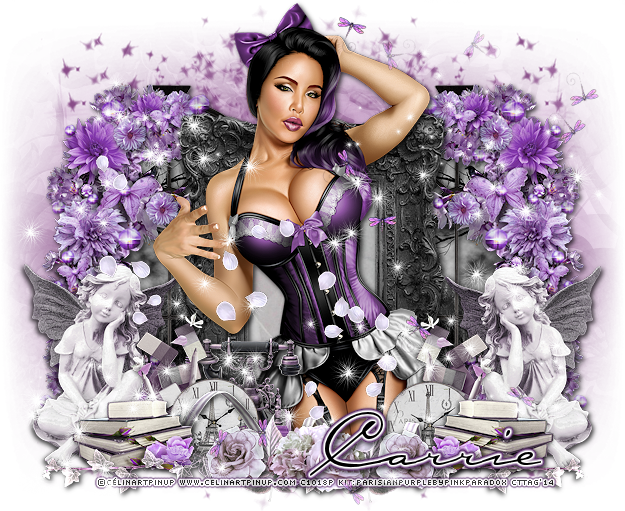
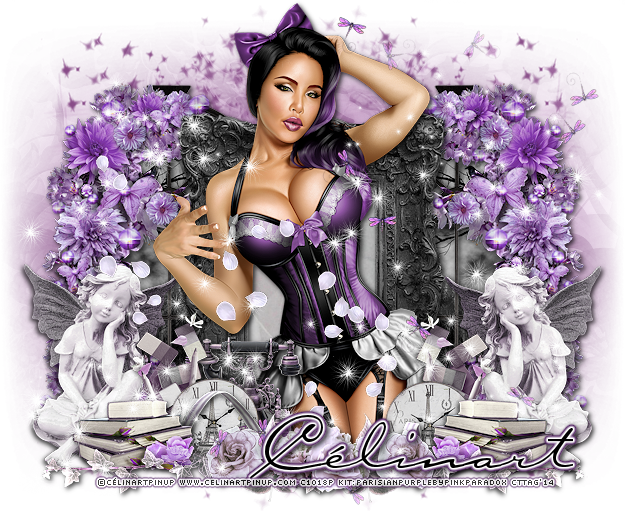
Supplies Needed:
Photo Editing Software: I am using PaintShopPro X3 but any version will work.
Kit: "Parisian Purple" by PinkParadox Productions; this is a PTU kit, please do NOT share!
Tube: "Daisy Tube" by ©Célinart Pinup; this is a PTU, proper license needed!
Mask: "AP_SparkleMask3"; I've had this mask forever, but I can't remember where I got it from =(
Elements: 4, 13, 21, 26, 37, 80, 93, 95, 99, 100, 114, 116, 117 & 119 Frame: 3
Papers: 1, 16 & 25
Let's get started!
Open up a new canvas (I use 650x650, transparent checked); copy/paste element 80, resize/sharpen as preferred. Duplicate and mirror, arranging so they are an equal distance apart. Copy/paste your frame and resize/sharpen, place in the center of the two elements & erase any excess of the elements in the frame. Copy.paste paper 16 below your frame layer & resize/sharpen so the rose shows just inside the frame, erase any excess paper. Add desired dropshadow (I use 2, 2, 75 & 6.99, color black) to the 2 element 80's & the frame.
Open up your tube and copy/paste above the frame layer, and resize/sharpen. Add desired dropshadow and place in the center of the frame. Don't worry about the overhang of any legs from the bottom of the frame, we'll cover that with other elements & delete any hanging out from below those. Open up your elements and resize/sharpen as you prefer them. Copy/paste them onto your canvas, arranging how you want and adding dropshadows. I duplicated/mirrored the following elements: 4, 13, 26, 37, 95 & 100.
Now open up paper 25 and copy/paste below the two element 80's, resize and place so that the moon with the bird is showing through the window. Sharpen, erase any excess paper and then duplicate and mirror it to fit behind the other element with the same placement. Open up paper 1 and copy/paste to your canvas at the very bottom, above background layer. Apply your chosen mask (if using my my, I duplicated and merged the mask layer to make it show more). Now add your copyrights, name & you're done!!! I love seeing the creations you make using my tutorials, please feel free to send any to mbalmerswifetuts@gmail.com!
This tutorial was written by me, Ruinations By Hayleigh, on March 6, 2014 from my own imagination. Any resemblance to another tutorial is purely coincidental. Please do not claim this tutorial as your own. This was written assuming you have working knowledge of Paint Shop Pro.
Sunday, March 2, 2014
CT PTU Tutorial "Sugar Sorbet"


Photo Editing Software: I am using PaintShopPro X3 but any version will work.
Kit: "Sugar Sorbet" by PinkParadox Productions; this is a PTU kit, please do not share.
Tube: "Lilly Sorbet" by CélinartPinup; this is a PTU tube, please do not use without proper license.
Mask: "WSL_Mask196" by weescotslass; find all her masks HERE.
Font: Inspiration
Elements: 9, 11, 16, 17, 20, 24, 38, 60, 61, 66, 79, 83, 98, 103, 107 Frame: 4 Papers: 5, 22
Let's get started!
First open a new canvas (650x650, transparent checked); open up your frame, copy/paste onto your canvas. Resize/sharpen and add a drop shadow of choice. Open your paper, copy/paste below your frame layer and erase any that hang outside the frame.
Open up your tube, copy/paste onto your canvas; resize/sharpen as desired and place in the middle of your frame. Open up your elements and arrange as desired. I placed element 107, duplicated & mirrored it. I placed elements 20, 24, 60, 61, 79, 83 & 103 behind 107. I duplicated and mirrored elements: 20, 24, 66, 83, 98 & 103.
Open up paper 22 and copy/paste to your canvas at the very bottom. Apply your mask. Add your name and your copyright then save as a .png file & your done! I LOVE seeing your creations made with my tutorials; please feel free to email them to mbalmerswifetuts@gmail.com!
This tutorial was written on March 2, 2014 by me, Ruinations By Hayleigh, from my own imagination. Any resemblance to another tutorial is purely coincidental. Please do no claim this tutorial as your own. Written assuming you have working knowledge of PSP!
Subscribe to:
Posts
(Atom)
About Me

- Hayleigh
- Oklahoma
- I'm a 30 year old SAHM to 3 adorable boys and newlywed to a wonderful husband. I've been using PSP for 9 years.
CU Licenses

Stamps
